
Are you looking for an SEO-friendly WordPress theme for your website or blog? WordPress is one of the most popular platforms for building websites because it allows users to create professional-looking websites without extensive coding or web design skills. You can choose from thousands of free and premium themes to create a website that suits your needs. If you are new to WordPress, you can start by learning how to install WordPress before selecting and customizing a theme.
However, choosing the right WordPress theme requires careful consideration. Not all themes offer the same level of performance, flexibility, and functionality. Some themes may include unnecessary features, excessive scripts, or poorly optimized code that can slow down your website and negatively affect the user experience.
An SEO-friendly WordPress theme provides a solid foundation for search engine optimization. It should have clean code, responsive layouts, fast loading speeds, and compatibility with popular SEO plugins. Although a good theme cannot guarantee high search engine rankings, it can help you build a website that is easier to navigate, maintain, and optimize.
In this article, we will explore 10 WordPress themes and website-building tools worth considering for your website or blog. Each option has different strengths, so the best choice will depend on your budget, technical knowledge, design preferences, and website requirements.
Table of Contents
10 SEO-Friendly WordPress Themes for Your Website or Blog
SEO-Friendly WordPress Theme
An SEO-friendly WordPress theme is designed to support search engine optimization through efficient code, a logical page structure, responsive design, and good website performance. These characteristics help search engines crawl and understand your website while making it easier for visitors to access your content.
When choosing a theme, you should consider several important factors. First, the theme should load quickly and avoid unnecessary scripts that could affect page performance. Second, it should display correctly on desktops, tablets, and smartphones. Third, it should use a sensible heading hierarchy and support accessible navigation.
You should also consider whether the theme works well with popular SEO plugins, such as Yoast SEO and Rank Math. These plugins can help you manage important SEO elements, including meta descriptions, canonical URLs, XML sitemaps, and structured data, depending on the features you use.
Another important consideration is customization. A flexible theme allows you to adjust the layout, typography, colors, headers, footers, and other design elements without rebuilding your website from scratch. This is particularly useful if you plan to expand your blog or introduce new features in the future.
Premium themes often provide additional customization options, starter templates, and dedicated support. However, a premium theme is not automatically better for SEO than a free theme. A lightweight, well-maintained free theme may perform better than an expensive theme that includes unnecessary features.
The most important thing is to select a theme that meets your requirements without compromising speed, usability, or content accessibility.
List of 10 SEO-Friendly WordPress Themes and Website-Building Tools
Below are 10 options to consider when creating an SEO-friendly WordPress website. The list includes traditional themes, frameworks, and page builders because each can contribute to your website's design and functionality in a different way.
1. Divi Theme
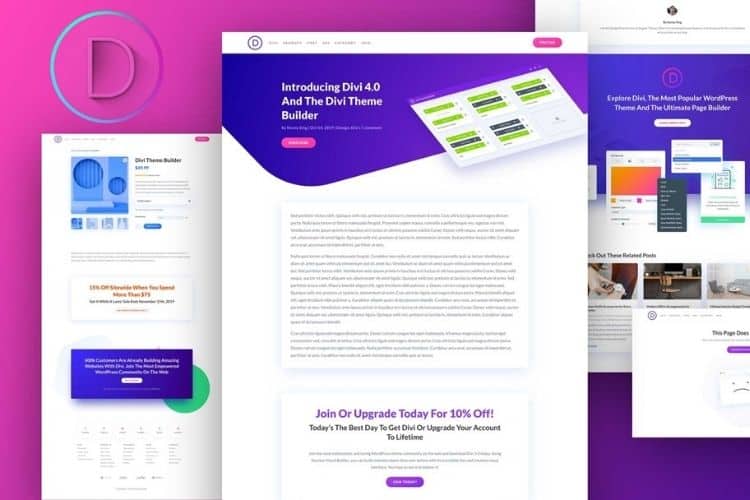
Divi is a popular WordPress theme and visual website builder developed by Elegant Themes. It allows users to create customized website layouts through a visual editing interface rather than writing code manually.
One of Divi's main advantages is its design flexibility. You can create different types of websites, including blogs, business websites, portfolios, landing pages, and online stores. Instead of being restricted to a single layout, you can adjust the page structure, typography, colors, spacing, and other design elements to match your preferred style.
Divi also provides pre-designed layouts that you can import and customize. This feature is particularly useful for beginners who want to build a professional-looking website without spending hours designing every page individually. You can replace the sample text and images, adjust the colors, and modify the layout to suit your brand.
From an SEO perspective, Divi can be used to build a search-friendly website when it is configured properly. You should still pay attention to page speed, heading structure, image optimization, mobile responsiveness, and compatibility with your SEO plugin. Adding too many animations, large images, or unnecessary design elements may affect performance.
I recommend considering Divi if you want substantial design flexibility and prefer working with a visual editor. It can be particularly suitable for beginners who want more control over their website's appearance without learning programming.
You can obtain Divi directly from Elegant Themes or explore a professional installation and configuration service if you prefer assistance setting up your website.
- Type: WordPress theme and visual website builder
- Suitable for: Blogs, business websites, portfolios, and online stores
- SEO consideration: Keep layouts efficient, optimize images, and monitor page performance
- Pricing: Paid membership; check the official website for current plans
2. Extra Theme
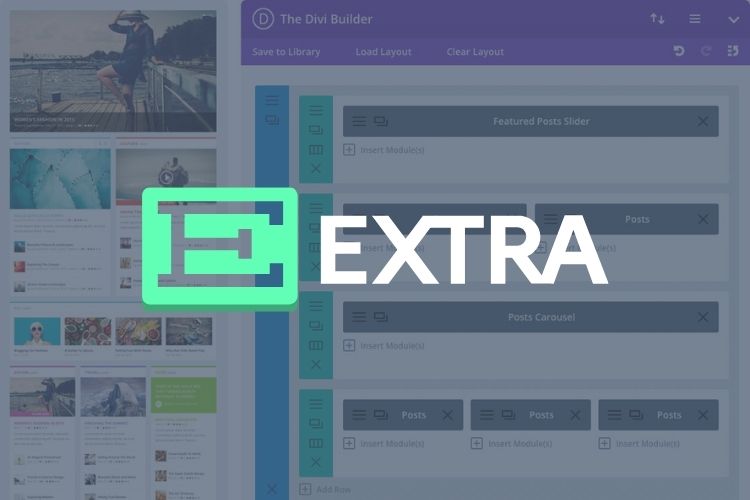
Extra is another WordPress theme developed by Elegant Themes. It is particularly suitable for magazine-style websites, content-heavy blogs, online publications, and websites that publish articles across multiple categories.
One of Extra's main strengths is its ability to organize large amounts of content into attractive layouts. For example, you can display featured articles, recent posts, category sections, and other content blocks on your homepage. This makes it easier for visitors to discover articles that interest them without having to search through a long list of posts.
The theme also provides visual customization options that allow you to adjust typography, colors, menus, headers, footers, and page layouts. These features are useful if you want to create a distinctive magazine website without developing a custom theme.
For SEO, a well-organized magazine layout can improve content discovery and help visitors navigate between related articles. Clear category pages, descriptive internal links, and a logical site structure can make your content easier to access. However, you should avoid creating overly complicated layouts that make important articles difficult to find.
Extra is worth considering if your primary goal is to build a content-focused website with multiple categories and a magazine-style homepage. It may be less necessary for a small website that only requires a simple blog layout.
- Type: WordPress theme
- Suitable for: Magazine websites, news websites, and content-rich blogs
- SEO consideration: Organize categories carefully and avoid cluttered layouts
- Pricing: Paid product; check Elegant Themes for current pricing and availability
3. Genesis Framework
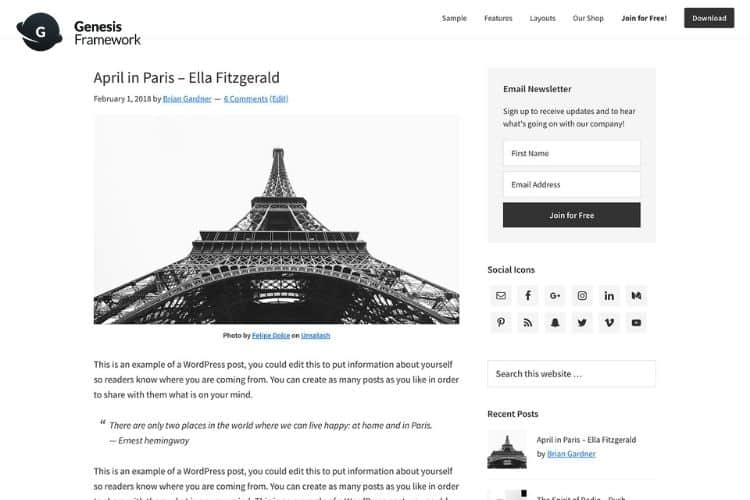
The Genesis Framework has historically been popular among WordPress developers and bloggers who value a structured foundation for building websites. It emphasizes a framework-based approach, allowing developers to customize the appearance and functionality of a website through child themes and additional code.
One of the main advantages of this approach is that it gives developers more control over the website's structure. Rather than relying entirely on a visual builder, users with the necessary technical skills can modify templates, styles, and other elements to meet specific requirements.
A carefully configured framework-based website can be lightweight and efficient. Clean markup and a logical content hierarchy can also support accessibility and search engine crawling. However, performance depends on the implementation, installed plugins, hosting environment, and other factors rather than the framework alone.
The main limitation is that extensive customization may require knowledge of CSS, PHP, or WordPress development. Beginners who want to make frequent visual changes may find a drag-and-drop builder easier to use.
Genesis is worth considering if you prefer a structured development approach and want greater control over your website's underlying code. Before choosing it for a new project, check the current availability, support, documentation, and compatibility of the specific Genesis products you intend to use.
My preference for lightweight website foundations is one reason I have used the Genesis approach for blogging. Nevertheless, your choice should depend on your own technical requirements and the current maintenance status of the product.
- Type: WordPress framework
- Suitable for: Bloggers, developers, and technically confident website owners
- SEO consideration: Maintain clean templates and a logical heading structure
- Pricing: Verify current product availability and pricing before purchasing
4. Astra Theme
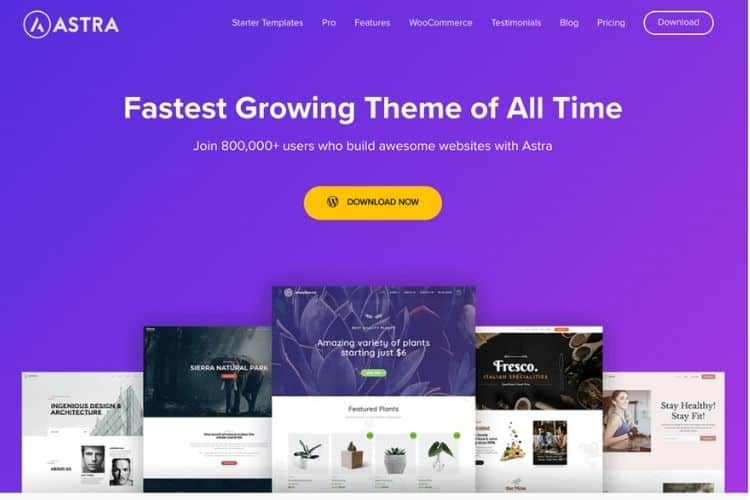
Astra is a lightweight and flexible WordPress theme designed for different types of websites. It can be used for personal blogs, business websites, portfolios, agency websites, and online stores.
One of Astra's main advantages is its balance between simplicity and customization. You can adjust the website's typography, colors, spacing, layout, and other appearance settings without necessarily needing to write code. It also offers starter templates that help you establish a basic website structure quickly.
If you want more advanced design flexibility, Astra can be combined with compatible page builders, including Elementor and Beaver Builder. This allows you to use the theme as the foundation of your website while relying on a separate tool to design individual pages or other website components.
Astra's lightweight approach makes it worth considering if you want to build a website with a focus on performance. However, your actual loading speed will depend on more than the theme itself. Large images, excessive plugins, third-party scripts, poorly configured caching, and slow hosting can still affect performance.
For SEO, I recommend using Astra with a simple layout, optimized images, a responsive design, and a reliable SEO plugin. You should also test your website after installing additional plugins or importing a starter template to identify unnecessary assets.
Astra is particularly suitable for beginners who want a practical theme that can grow alongside their website. It is also a good option for freelancers and business owners who need a flexible foundation for different projects.
- Type: WordPress theme
- Suitable for: Blogs, business websites, portfolios, and online stores
- SEO consideration: Monitor page speed after installing templates and additional plugins
- Pricing: Free version and paid plans; check the official Astra website for current prices
5. Beaver Builder
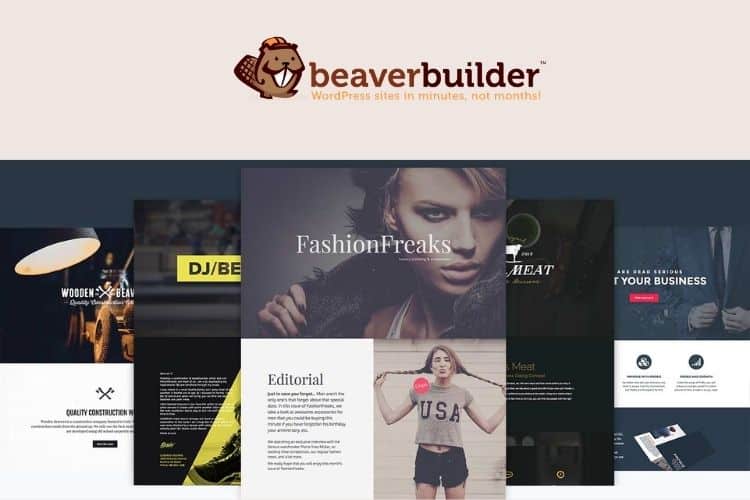
Beaver Builder is primarily a WordPress page builder rather than a standalone theme. It allows you to design and arrange page elements through a visual interface, making it possible to create customized layouts without manually writing HTML or CSS for every component.
The term WYSIWYG stands for "What You See Is What You Get." In practical terms, this means that you can see a visual representation of your page while editing it. You can add content sections, images, buttons, columns, and other elements, then adjust their appearance before publishing the page.
This approach can be helpful when creating landing pages, service pages, business websites, and other pages that require a customized design. It also allows website owners to make visual changes more easily without relying on a developer for every adjustment.
Beaver Builder can be used alongside a compatible WordPress theme, including the Beaver Builder Theme offered in its product range. This distinction is important because the page builder and the theme perform different roles within a WordPress website.
From an SEO perspective, the quality of your final website depends on how you use the builder. A carefully designed page with clear headings, concise navigation, optimized images, and limited unnecessary elements can provide a good user experience. On the other hand, excessive design elements and poorly optimized media can increase loading times.
Beaver Builder is worth considering if you want a visual page-building experience while retaining flexibility in your choice of WordPress theme. However, compare its features and pricing with other builders before making a purchase.
- Type: WordPress page builder, with a companion theme available
- Suitable for: Business websites, landing pages, and custom page layouts
- SEO consideration: Keep layouts simple and test page performance
- Pricing: Free and paid options may vary by product; check the official Beaver Builder website
6. GeneratePress
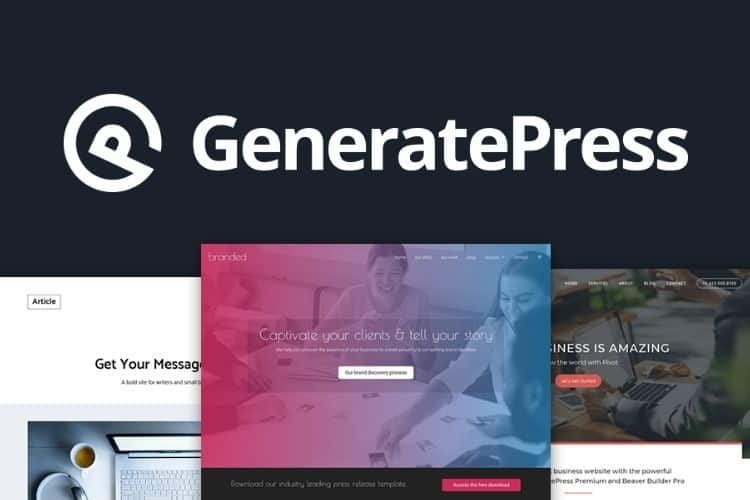
GeneratePress is a lightweight WordPress theme that focuses on performance, usability, accessibility, and clean implementation. It is a strong option for bloggers and website owners who prefer a simple foundation rather than a theme packed with features they may never use.
One of the main benefits of GeneratePress is that it provides a relatively lightweight starting point. A simpler theme can reduce the amount of code and resources required to display a page, although the final result will also depend on your content, plugins, images, and other customizations.
GeneratePress provides customization options for common website elements, including layouts, typography, colors, navigation, and content presentation. Its premium offering extends the available features, while the free version can be sufficient for a straightforward blog or website.
For bloggers, GeneratePress can be particularly useful because it allows you to concentrate on publishing content rather than spending too much time managing complicated design settings. You can create a clean article layout, organize your categories, and provide straightforward navigation for readers.
A lightweight theme can also support SEO by helping you maintain good page performance. Nevertheless, you should not assume that a website will automatically load quickly simply because you have installed GeneratePress. You still need to optimize images, choose reliable hosting, limit unnecessary plugins, and test your Core Web Vitals.
I recommend GeneratePress if you want a lightweight theme for a blog, tutorial website, or content-focused business website. It is especially worth considering if speed and simplicity are more important to you than elaborate visual effects.
- Type: WordPress theme
- Suitable for: Blogs, tutorial websites, business websites, and content publishers
- SEO consideration: Take advantage of its lightweight foundation and avoid unnecessary additions
- Pricing: Free version and paid options; check the official GeneratePress website
7. Elementor
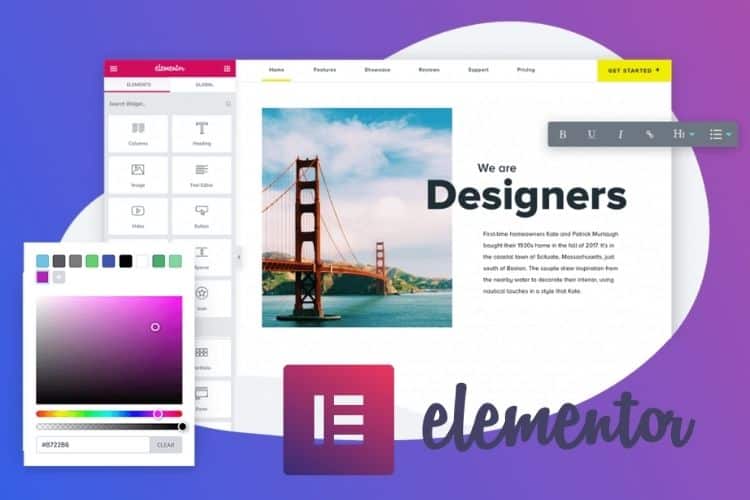
Elementor is a popular WordPress website builder that allows you to create pages using a visual drag-and-drop interface. It is not simply a traditional WordPress theme; rather, it is a design tool that can work with compatible themes to help you build and customize your website.
Elementor is particularly useful for people who want to create a website without writing code. You can arrange headings, text, images, buttons, forms, columns, and other elements on a page while adjusting their appearance through the editor.
The platform also provides templates and design components that can help you build pages more quickly. Depending on your plan and configuration, its Theme Builder features can be used to customize website components such as headers, footers, single-post templates, archive pages, and other site-wide elements.
This flexibility makes Elementor suitable for many types of websites, including personal blogs, business websites, portfolios, landing pages, and online stores.
However, using a page builder requires some attention to performance. Adding too many widgets, animations, complex layouts, and third-party extensions may increase the amount of code and resources needed to display your pages. The resulting website can become slower if you do not manage these elements carefully.
For SEO, focus on creating useful content, maintaining a logical heading hierarchy, optimizing images, and ensuring that important information is accessible on mobile devices. You should also use an SEO plugin where appropriate to manage metadata, sitemaps, and other technical requirements.
I recommend Elementor if you want substantial design freedom without learning programming. If you are building a small blog and prefer a simpler setup, however, a lightweight theme with the standard WordPress editor may be all you need.
- Type: WordPress website and page builder
- Suitable for: Blogs, business websites, portfolios, and landing pages
- SEO consideration: Avoid unnecessary widgets and test performance on mobile devices
- Pricing: Free version and paid plans; check the official Elementor website
8. Avada
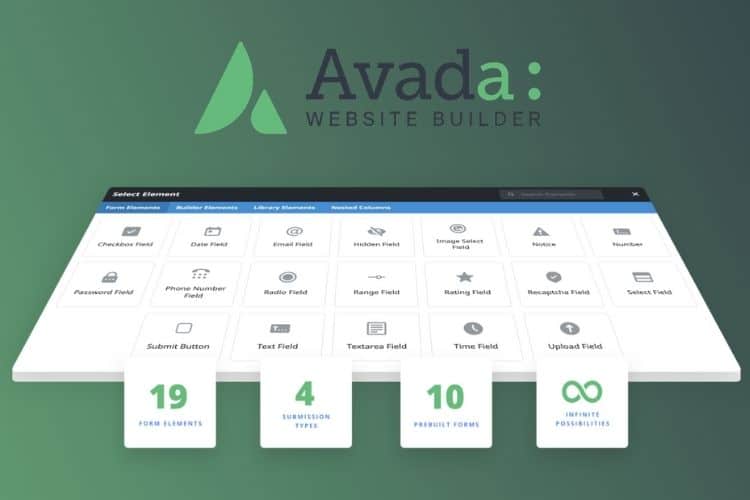
Avada is a multipurpose WordPress theme with an integrated visual website-building system. It is designed for users who want to create different types of websites through a comprehensive collection of customization and layout options.
You can use Avada to build business websites, blogs, portfolios, landing pages, and online stores. Its design tools allow you to customize various elements, including page layouts, headers, footers, typography, colors, and content sections.
Avada is also suitable for WooCommerce websites. WooCommerce is a popular WordPress plugin for building online stores, and the combination can help you create product pages, organize product categories, and customize parts of the shopping experience.
For businesses that require extensive design control, having multiple customization options in one system can be convenient. You may be able to create a more customized website without installing separate tools for every design requirement.
However, a feature-rich theme requires careful configuration. Installing every available feature, importing a large demo, or adding unnecessary animations may increase the resources needed to load your website. You should therefore enable only the features you need and optimize your images and other assets.
From an SEO perspective, Avada can provide a suitable foundation when used thoughtfully. Ensure that your pages load efficiently, product information is clearly organized, navigation works properly, and your website displays correctly on mobile devices.
Avada is worth considering if you need a multipurpose theme with extensive design controls, particularly for business websites and online stores. If your primary goal is to run a simple blog, you may prefer a lighter theme with fewer built-in features.
- Type: Multipurpose WordPress theme and website builder
- Suitable for: Business websites, blogs, portfolios, and WooCommerce stores
- SEO consideration: Avoid unnecessary features and optimize complex page layouts
- Pricing: Check the official Avada website or authorized marketplace for current pricing
9. SmartMag
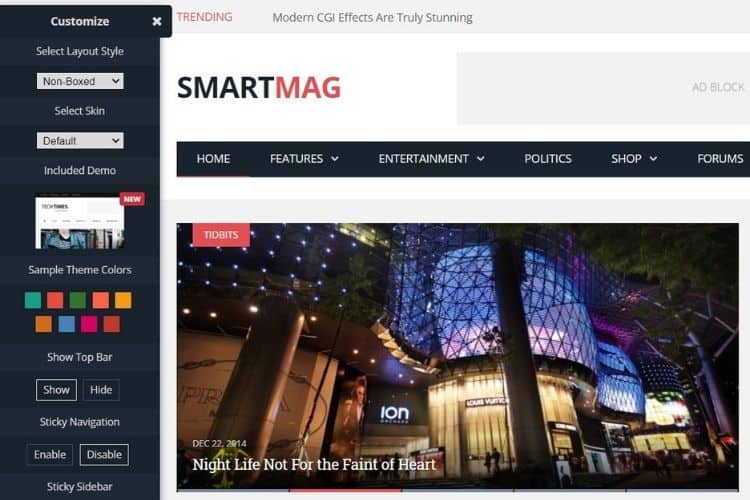
SmartMag is a WordPress theme designed primarily for magazine websites, online publications, and content-focused blogs. It is worth considering if you want to publish articles across several categories while maintaining an organized and visually appealing homepage.
One of the main advantages of a magazine theme is its ability to present a large amount of content in a structured layout. For example, you can highlight important articles, display recent posts, organize content by category, and provide links to related articles.
These features can be particularly useful for publishers who regularly produce new content. Instead of displaying every article in a single chronological list, you can organize your homepage to help visitors find relevant information more easily.
SmartMag also offers features intended for content publishers, including layout customization and options for presenting advertisements and related content. Depending on the current version and configuration, these features may help you manage how articles and advertising placements appear throughout the website.
For bloggers who monetize their content through display advertising, an organized layout can make it easier to incorporate advertisements without completely disrupting the reading experience. However, you should avoid placing too many advertisements above the main content or using intrusive placements that make articles difficult to read.
SmartMag may also be suitable for websites that use Google AdSense, but a theme cannot guarantee higher advertising revenue or approval for monetization. Earnings depend on several factors, including audience traffic, visitor location, content quality, ad placement, and advertiser demand.
From an SEO perspective, focus on creating clear category structures, useful internal links, readable articles, and fast-loading pages. These practices can help visitors discover more of your content while supporting the technical quality of your website.
I recommend SmartMag if you are building a magazine-style blog or online publication that needs more advanced content presentation than a basic blog theme provides.
- Type: WordPress magazine theme
- Suitable for: News websites, online magazines, and content-rich blogs
- SEO consideration: Keep article navigation clear and avoid excessive advertisements
- Pricing: Check the official SmartMag website or authorized marketplace for current pricing
10. Themify
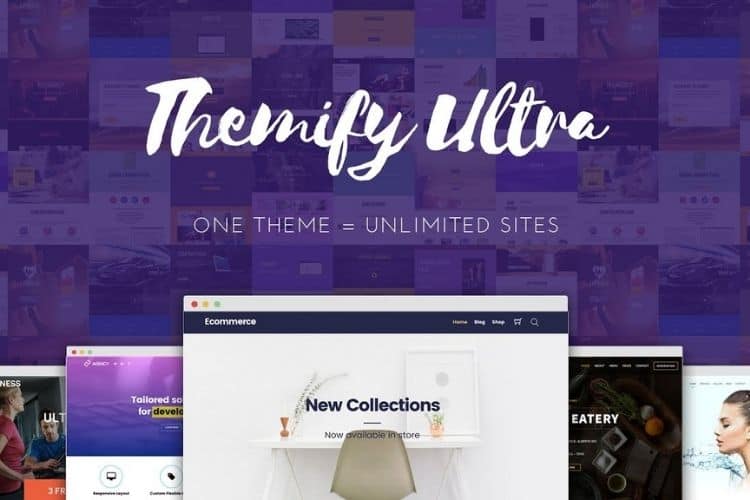
Themify provides WordPress themes and website-building tools that allow users to create customized website layouts. It is an option worth exploring if you want more design flexibility than a basic theme provides.
Depending on the specific product you choose, Themify offers features that allow you to adjust page layouts, customize website elements, and arrange content through visual editing tools. These capabilities can help you build a website without manually coding every design component.
For example, you could use a suitable Themify product to create a business homepage, a portfolio, a blog, or a landing page. You can then customize the layout and presentation to match your branding and the needs of your audience.
A visual building approach can save time because you can see how your design changes affect the page. It also makes routine adjustments easier for website owners who do not have programming experience.
However, you should evaluate the specific Themify theme or builder you intend to use rather than assuming that all products have the same features. Check its current documentation, compatibility with your WordPress version, available support, and update history before installing it on an important website.
For SEO, make sure the finished website has a logical content structure, descriptive page titles, appropriate headings, accessible navigation, and optimized images. You should also test its performance after installing any additional plugins or importing a design template.
Themify is worth considering if you want an alternative to other visual website-building systems. Compare it with your existing options to determine whether its features justify the additional complexity for your project.
- Type: WordPress themes and website-building tools
- Suitable for: Blogs, business websites, portfolios, and customized layouts
- SEO consideration: Check performance, mobile responsiveness, and plugin compatibility
- Pricing: Check the official Themify website for current products and pricing
Conclusion
Choosing an SEO-friendly WordPress theme is an important step when building a website or blog. The right theme can provide a strong technical foundation, make your content easier to navigate, and help you deliver a better experience to visitors.
However, no theme can guarantee high search engine rankings by itself. Your website's performance also depends on the quality of your content, technical SEO configuration, hosting environment, image optimization, internal linking, and overall user experience.
Among the options discussed above, I recommend Divi if you want extensive visual customization, Astra if you need a flexible multipurpose theme, and GeneratePress if you prefer a lightweight foundation for a content-focused website. For magazine-style blogs, Extra and SmartMag are worth considering. If you want to design individual pages visually, Elementor and Beaver Builder provide additional flexibility.
Genesis is an option for users who prefer a framework-based development approach, while Avada and Themify are alternatives for those who want a broad range of design features.
Before making your final decision, compare the features, pricing, update history, support, and compatibility of each product. You should also test the theme on a staging website whenever possible to assess its performance before applying it to your live site.
Ultimately, the best WordPress theme is the one that meets your website's needs while maintaining good performance, usability, and flexibility. Choose a theme that supports your long-term goals, then focus on publishing helpful content and maintaining a technically sound website.